Published on:



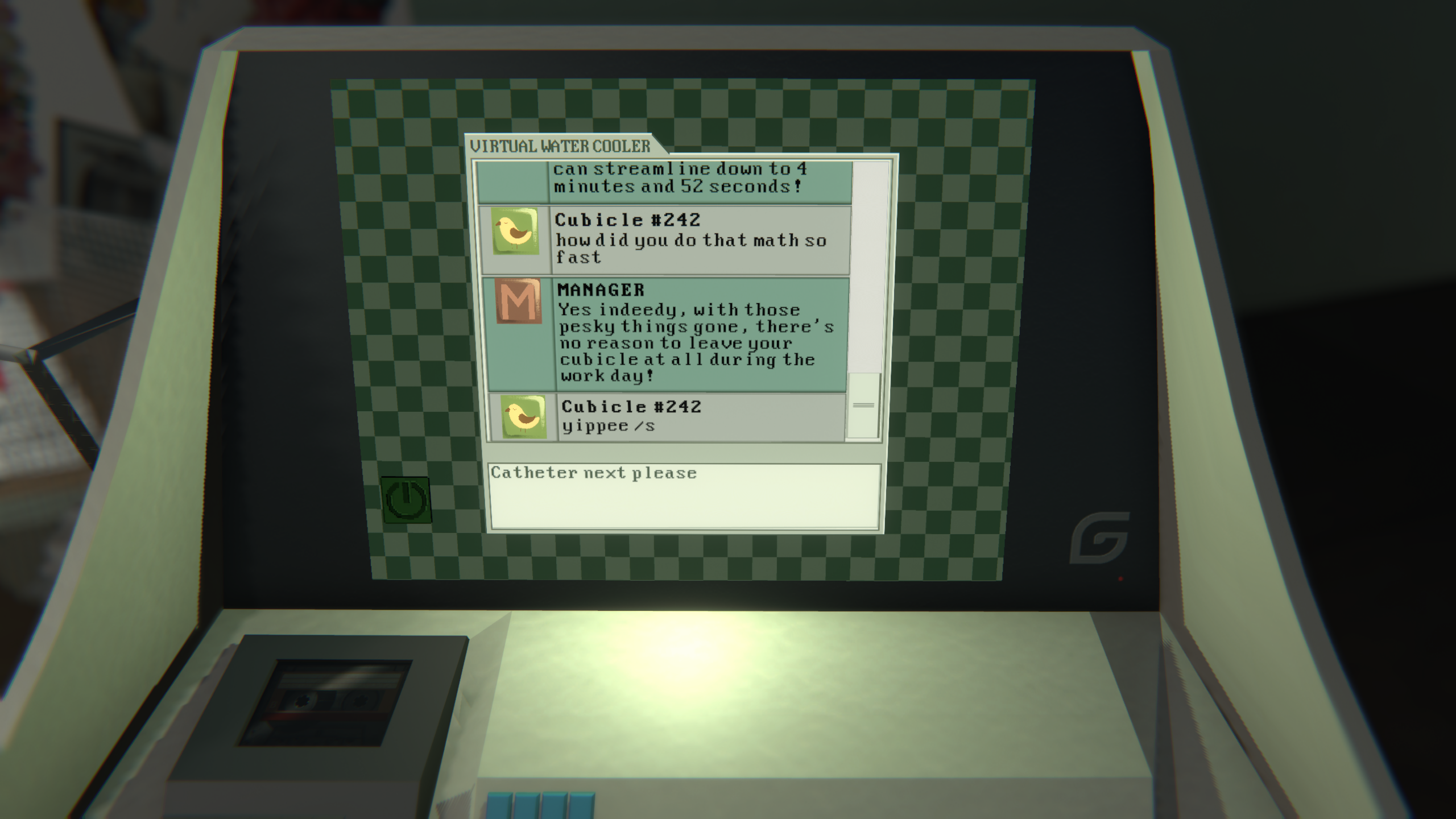
SCRAPPED is a first person simulation game where you work as an "art-generator" at Gestalt Industries. Make collages based on commissions delivered to your anachronistic computer, using more than a hundred assorted pieces of media to meet these requests. After work, chat with your coworkers at the "Digital Water Cooler" - under the watchful eye of your superiors.
Developed with: Unity, C#, Perforce
Development time: 6 months
Team size: 6 people (hybrid)
Over a strict 6-month development period, my partner and I took Scrapped from an idea through prototyping, successive rounds of development and iteration, and dozens of user tests up to a full release on commercial platforms. Throughout development I acted as designer, engineer, interface designer, QA researched, artist, and marketer, with my main responsibilites being the development of core game systems. My design partner and I divided ownership of the key mechanics - I primarily designed and built the main collaging gameplay, the unlockable art library, and the general game flow / progression.
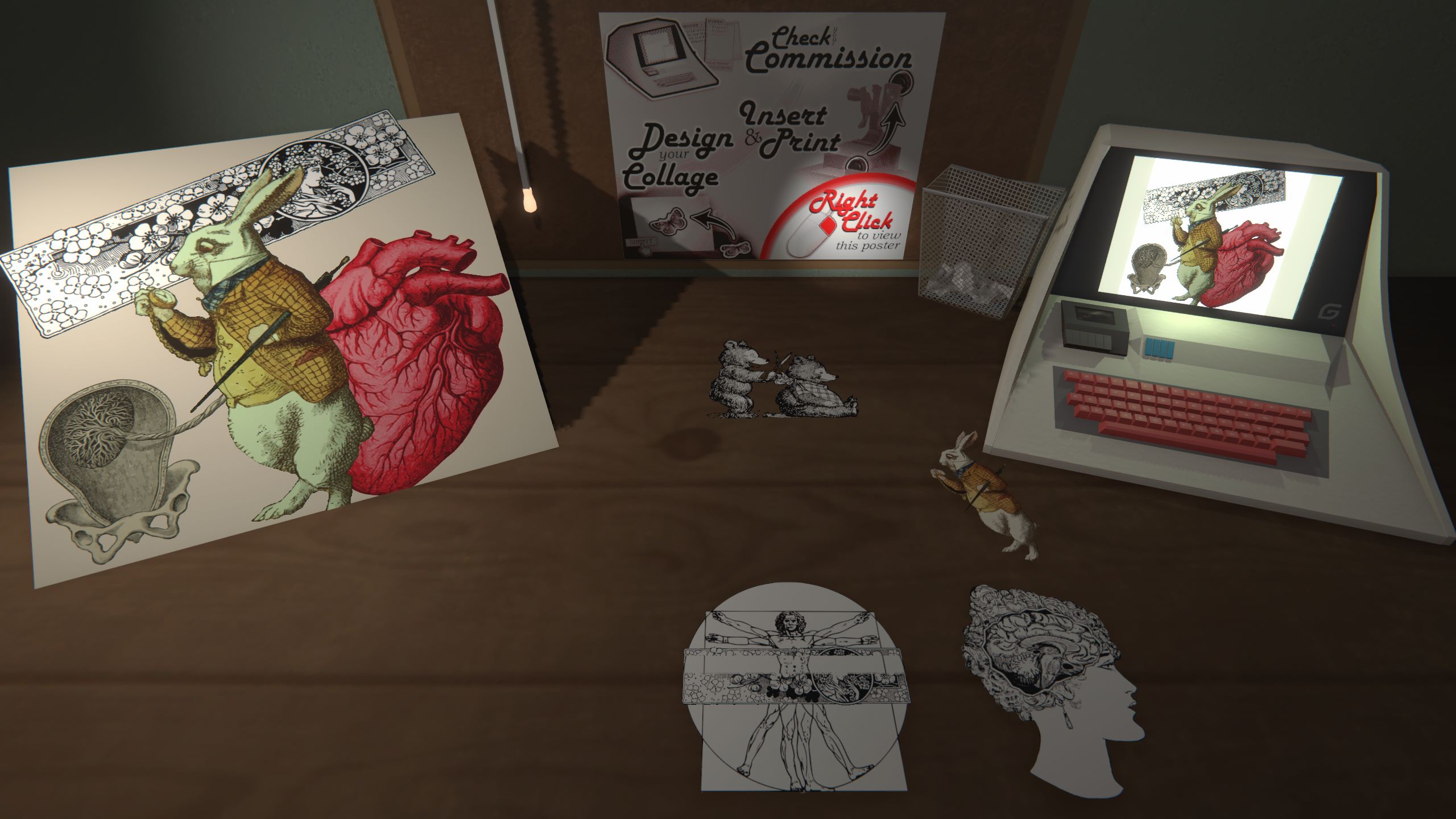
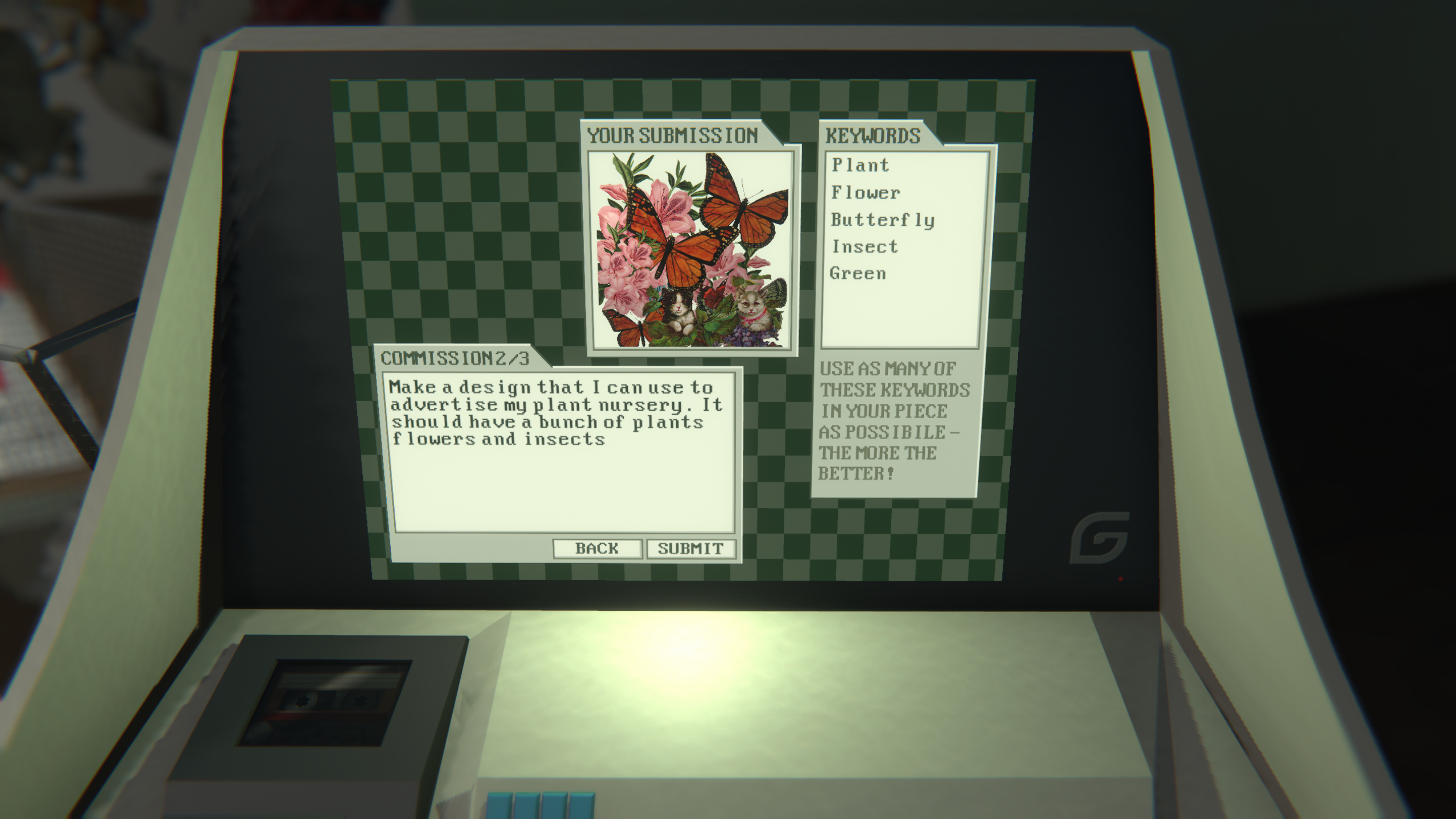
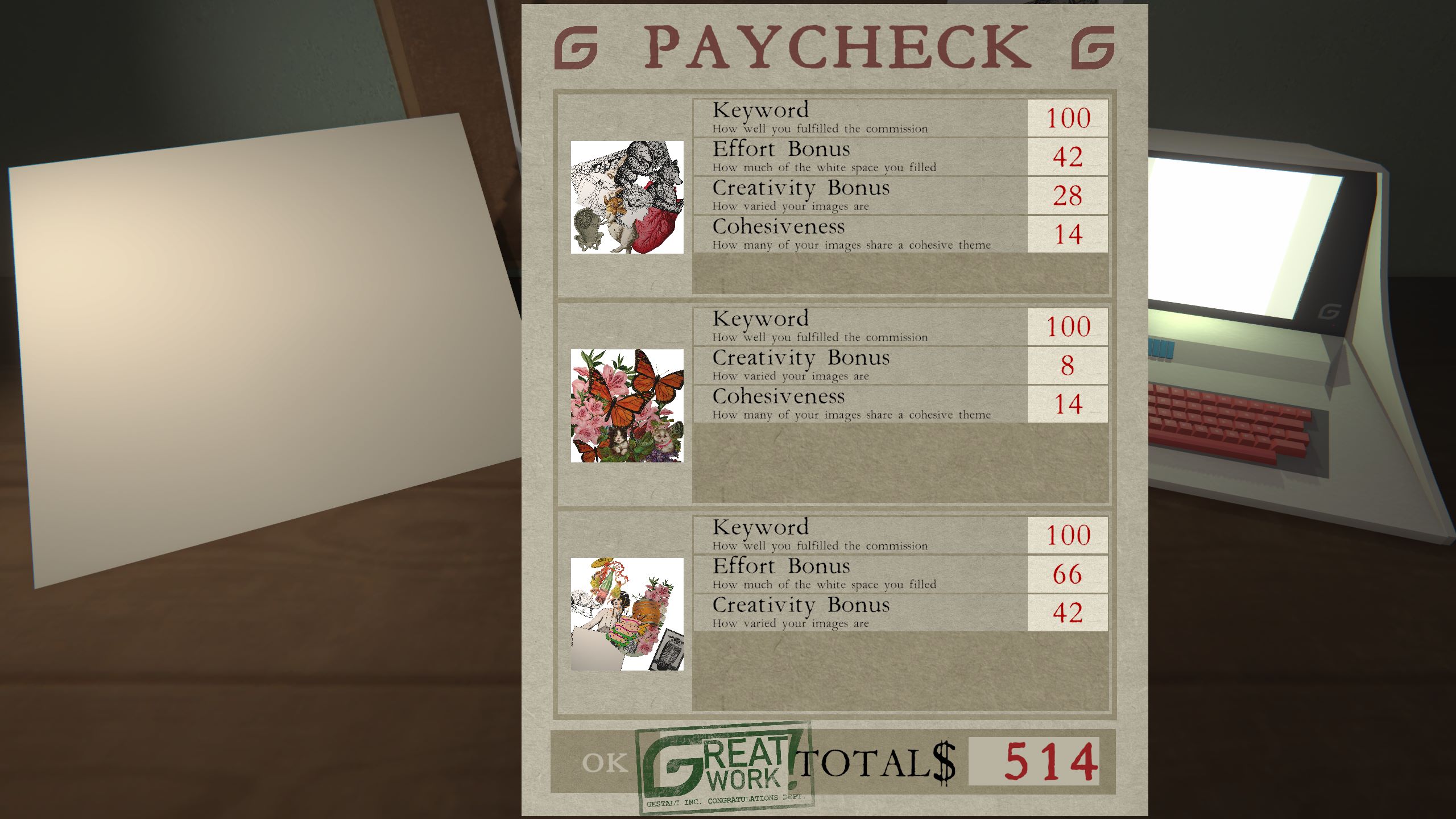
I started development by putting together a prototype of our core gameplay loop: sorting through images and creating collages by placing, scaling, and rotating each picture on the canvas. This allowed us to immediately start user testing, and discover what players found most fun about the collaging experience.
In these tests, we learned that players found a completely open sandbox of options overwhelming; they wanted some amount of guidance and direction. This is where the core idea for Scrapped came from: we could provide players with open-ended prompts that would force them to use their library of artwork in creative ways. For a narrative explanation, we decided the player would work as an "Art Generator" at a mysterious office, poking fun at the rise of generative AI by putting players in the position of an image generation algorithm. This was enough for us to get started on a more detailed prototype, switching to a static 3D perspective and starting to lay out different features as machines on an office desk: prompts delivered on a computer, and artwork stored in a green filing cabinet.
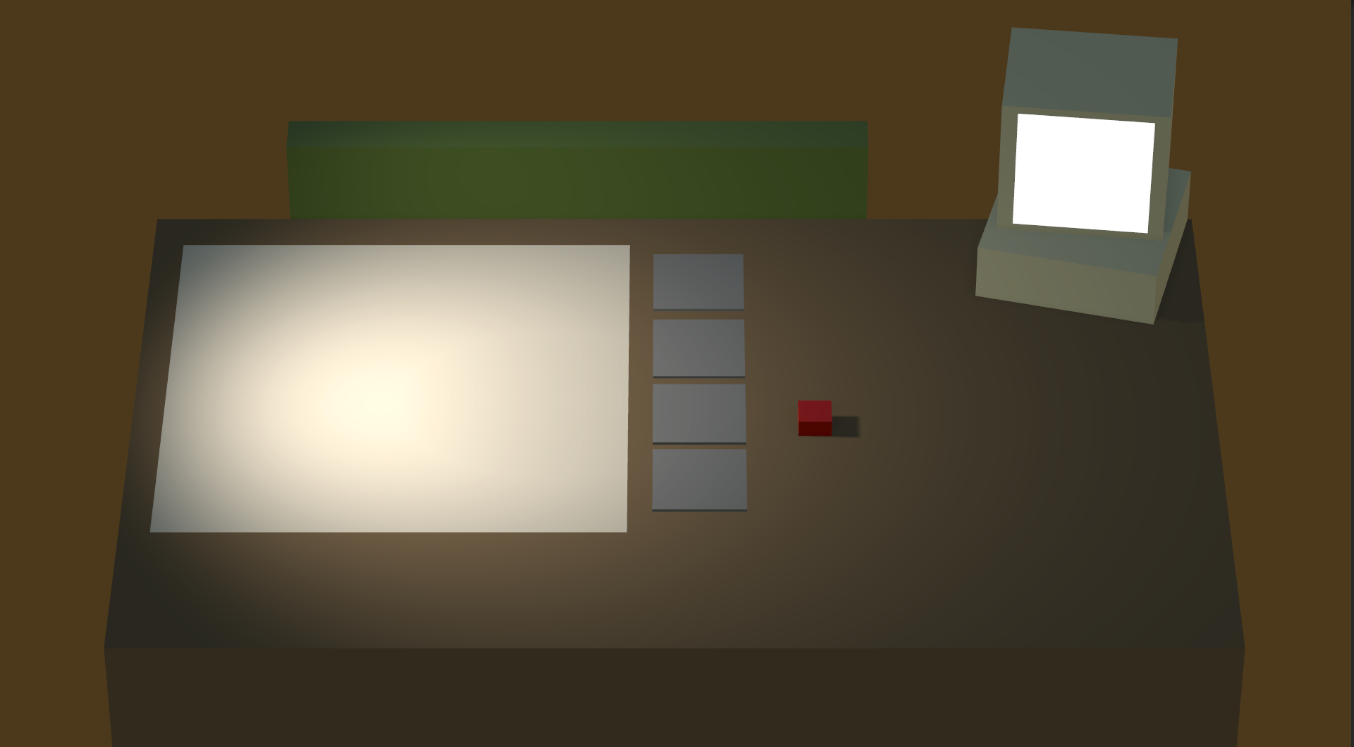
Design Challenge - Image Library
One major design challenge I ran into early in development was how we could allow players to sort through a large library of images to select the one they wanted, while fitting our goal of intuitive, diegetic office machinery (in other words, no scrollable grid of images on the UI). The initial system we implemented in this first prototype was a filing cabinet, with different drawers for each category of image. In practice, though, we realized that a filing cabinet is poorly suited to images - when flipping through it, you can only see a sliver of each image at a time.
We went through many rounds of revision to try and solve this problem. Laying the cabinet images out flat gave players a better view of them, but introduced clipping issues while flipping through them. A binder of images would allow players to see things more clearly, but having tabs for each category that were large enough to be readable started to interfere with screen space we needed for other game elements. In the end, our best idea came from giving up on the idea of realistic office equipment. Instead, we looked at the information we needed to give players, and created a new machine to convey it: the printer-projector. Players would click on a pullstring to lower a projector screen, slot a reel of images into the projector, rotate through the reel to find their desired images, and print them out on the desk to start collaging.
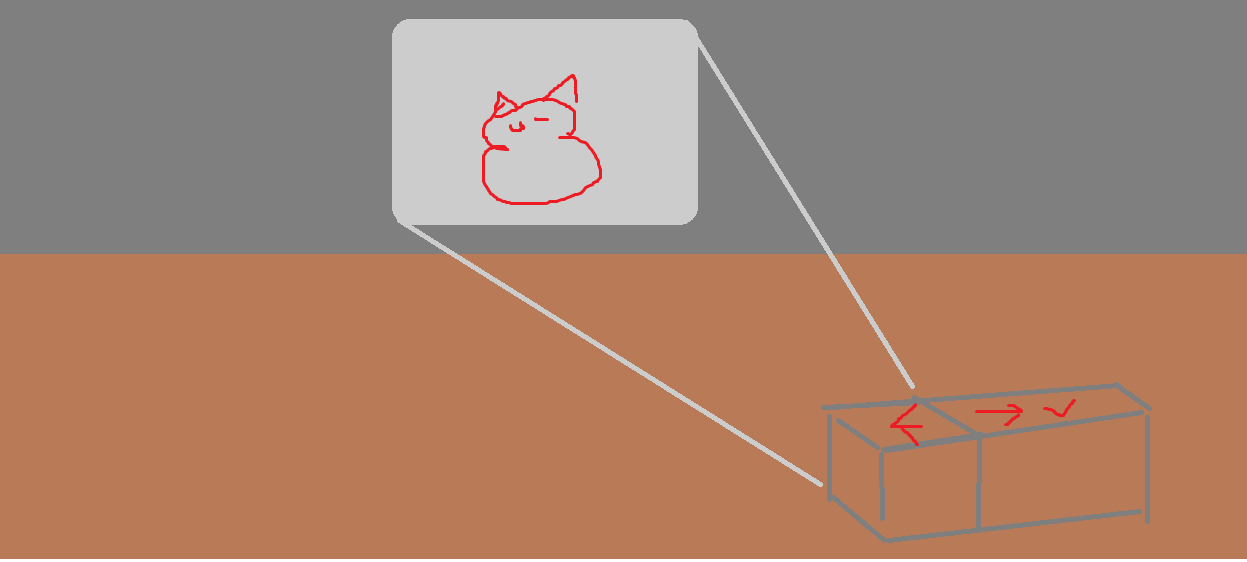
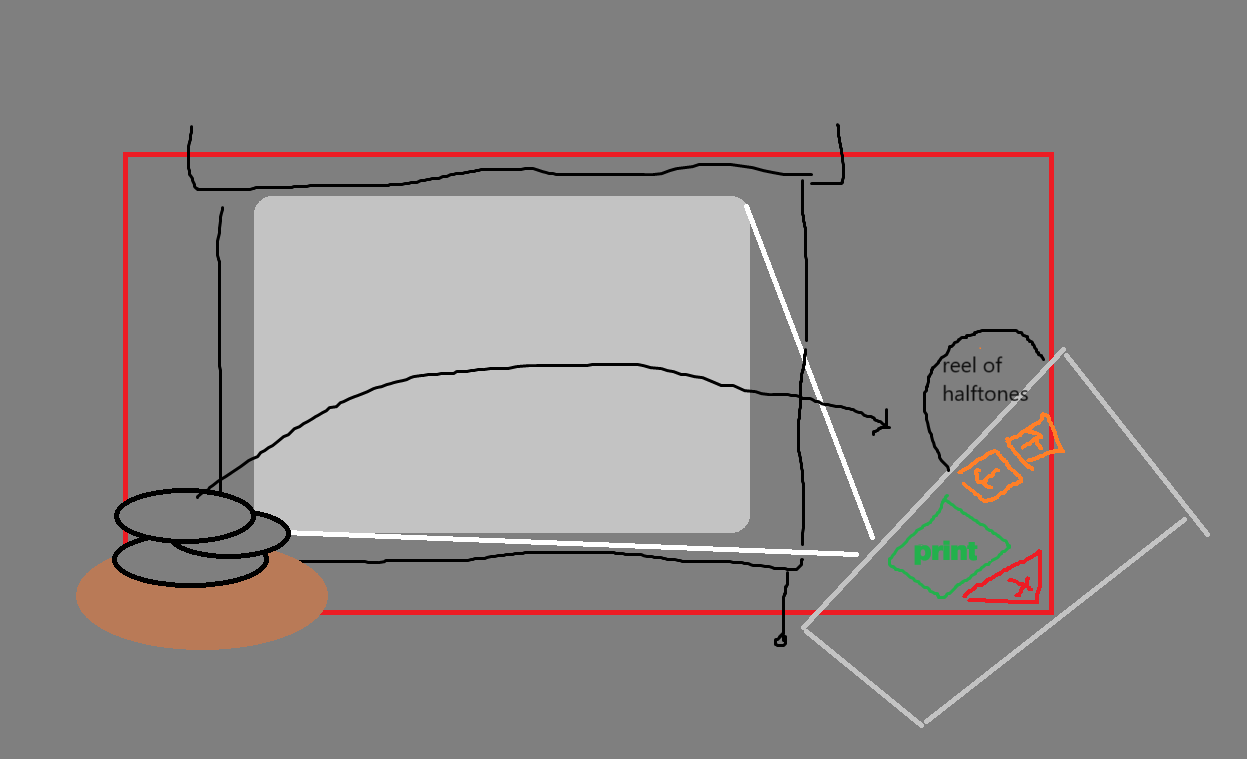
I quickly threw together a prototype in a few hours, and we found that it became nearly every playtester's favorite part of the game!
Developing the projector-printer taught me that stepping back and focusing on the big-picture design issue - identifying the information that needs to be communicated to the player and focusing on what best communicates it - leads to better gameplay than trying to gradually reform a broken mechanic.
Code Sample - Creating Dev Tools
We designed the scoring system to compare the images used in each collage against the prompt using a series of tags, meaning our small hybrid team needed a way to easily assign - and edit - dozens of attributes attached to hundreds of images. To accomplish this, I built a system to load these images and their associated tags from spreadsheets. This allowed myself and the rest of the team to quickly and efficiently fill out content for the game directly in the spreadsheet and rapidly test new additions.
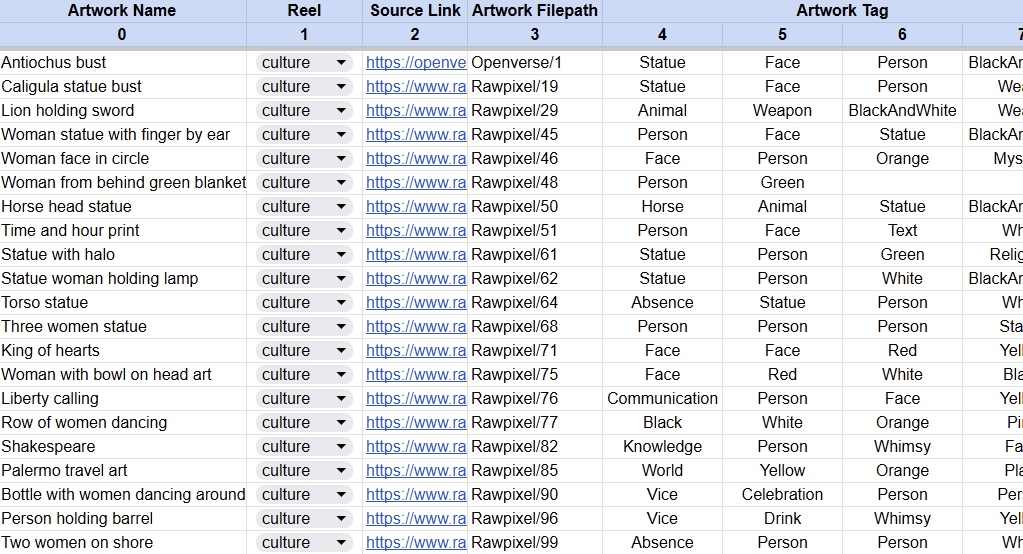
Each image has a four predetermined attributes - a name, category, source link, and filepath - as well as a variable number of the tags used for scoring. These attributes are processed in the following function:
{
string[] lines = tags.text.Split('\n'); //split the spreadsheet into lines
for (int i = 1; i < lines.Length; i++) //for each line in the spreadsheet:
{
Artwork newArt = ScriptableObject.CreateInstance <Artwork>(); //create a blank SO
//assign fields on the ScriptableObject:
newArt.name = words[0];
newArt.texture = Resources.Load <Texture2D>(words[3]);
//assign tags on the ScriptableObject:
for (int j = 4; j < words.Length; j++) //for each tag on this line
{
{
if (System.Enum.TryParse <Artwork.Tag>(words[j], out currentTag)) //if this is a valid Tag
{
else //since only valid tags get passed through, an invalid one doesn't affect the player - but we still want to flag it so it can be fixed.
{
allArtwork.Add(newArt); //add it to the list of all artwork ScriptableObjects
In fact, loading from a spreadsheet worked so well that we decided to adapt that framework to run the dialogue system as well, which enabled us to expand the team and work with a writer who had no experience with Unity.