Published on:



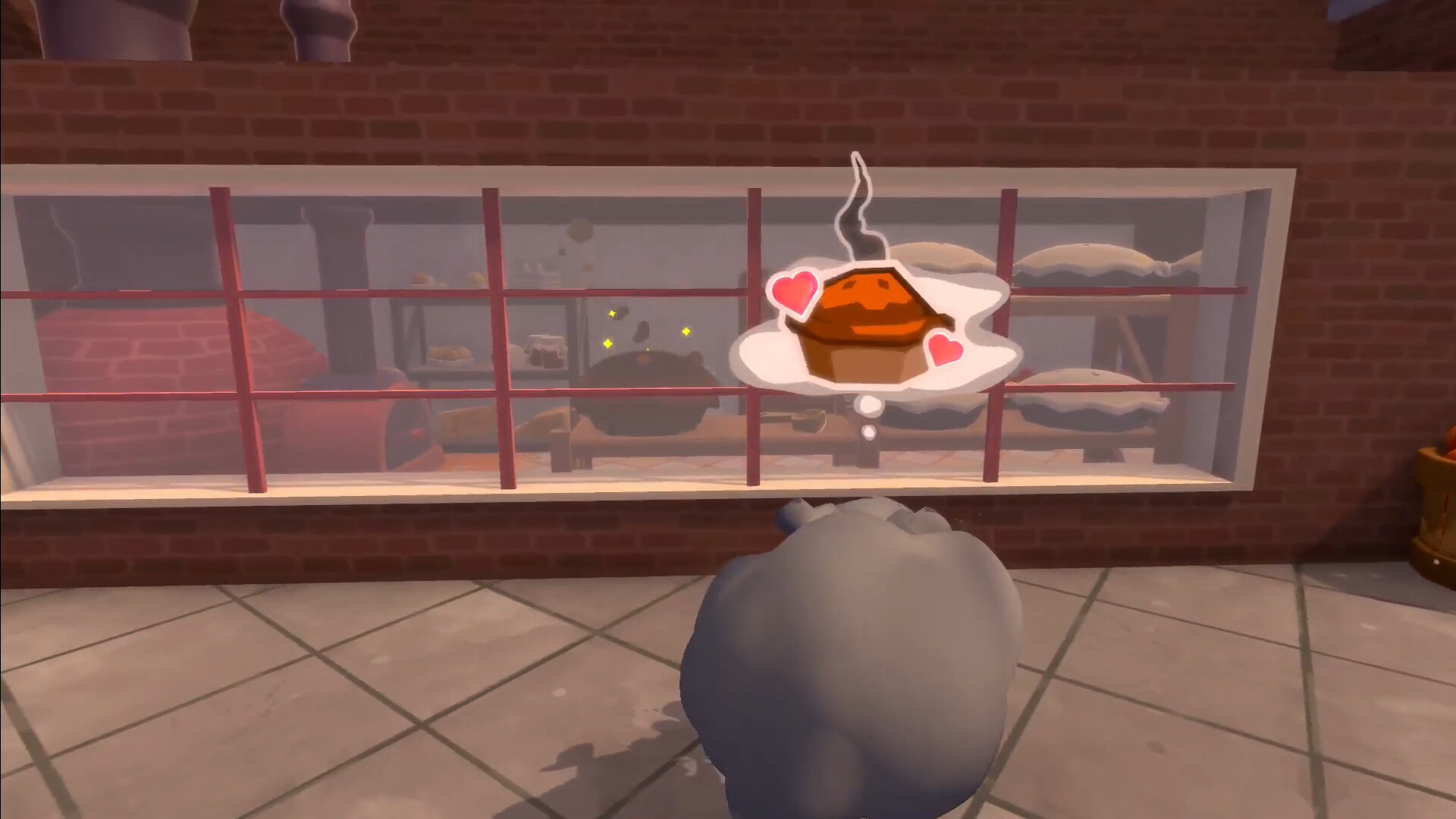
Smoke Break! is an award-winning lighthearted 3D stealth puzzle game where you play as Applewood — a living puff of smoke. By breaking machinery, dashing past bakers, and using smoke to grow, you can hunt down the elusive burnt pie!
Developed with: Unity, C#, Perforce
Development time: 1 year
Team size: 50 people
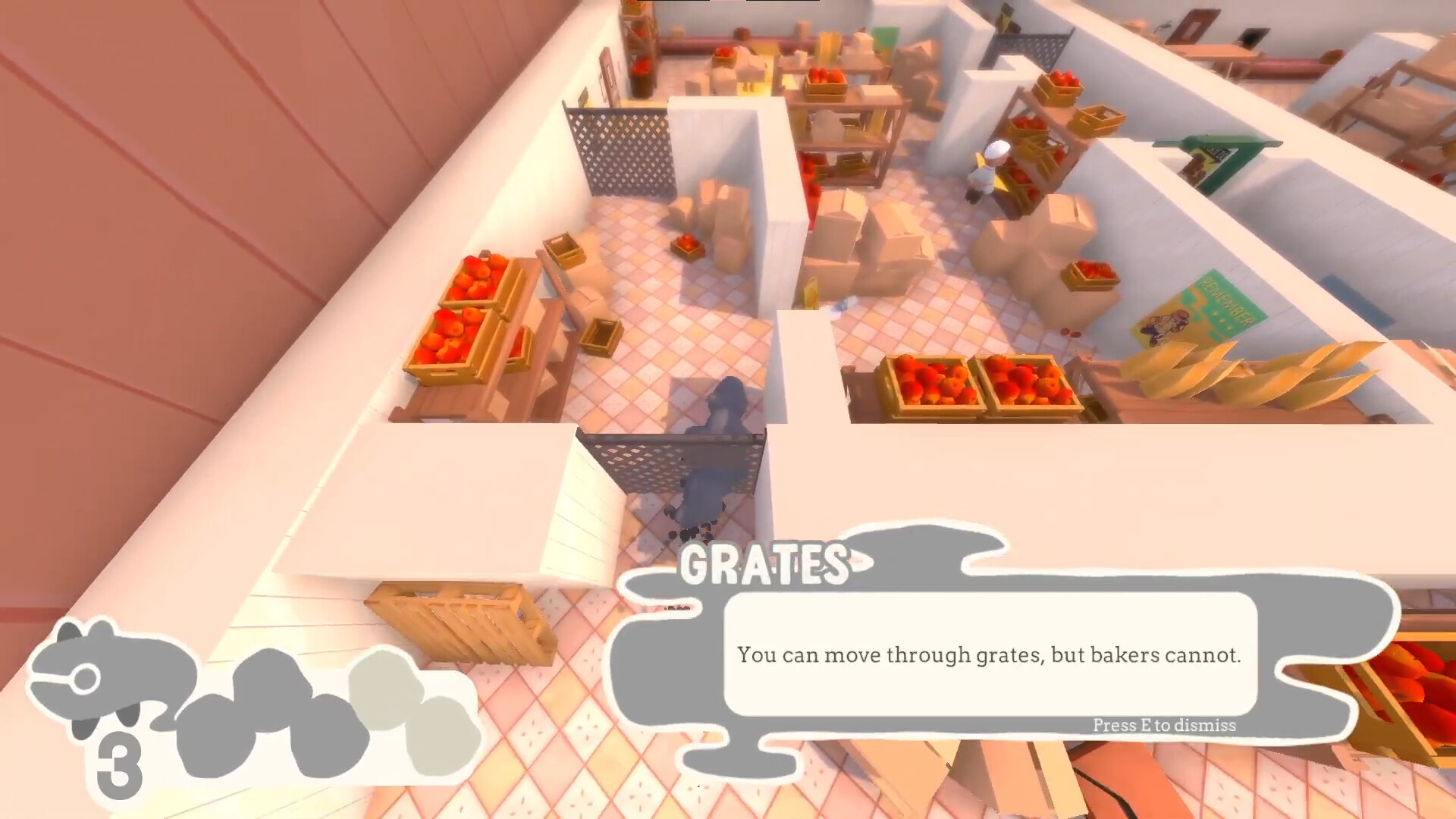
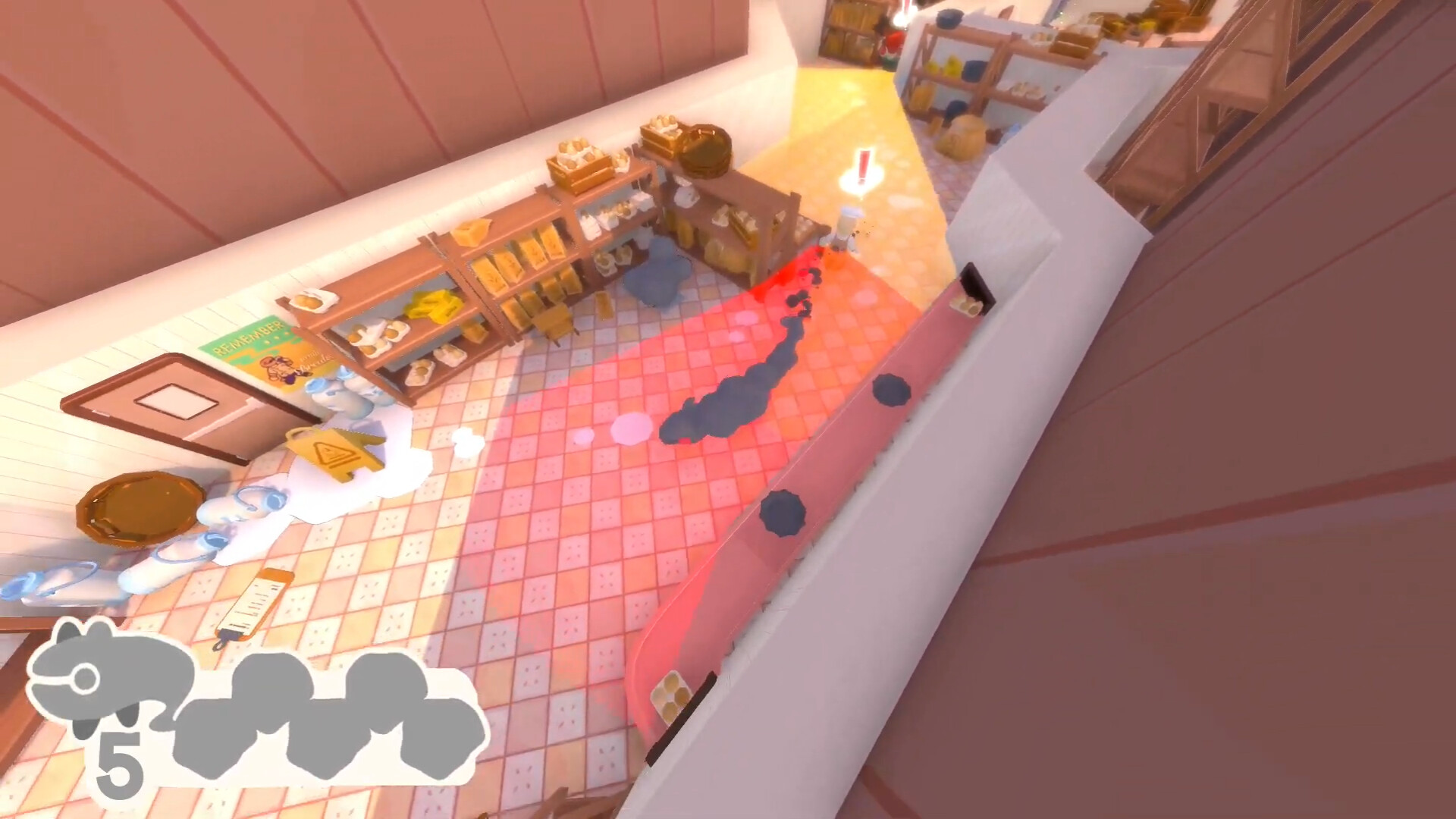
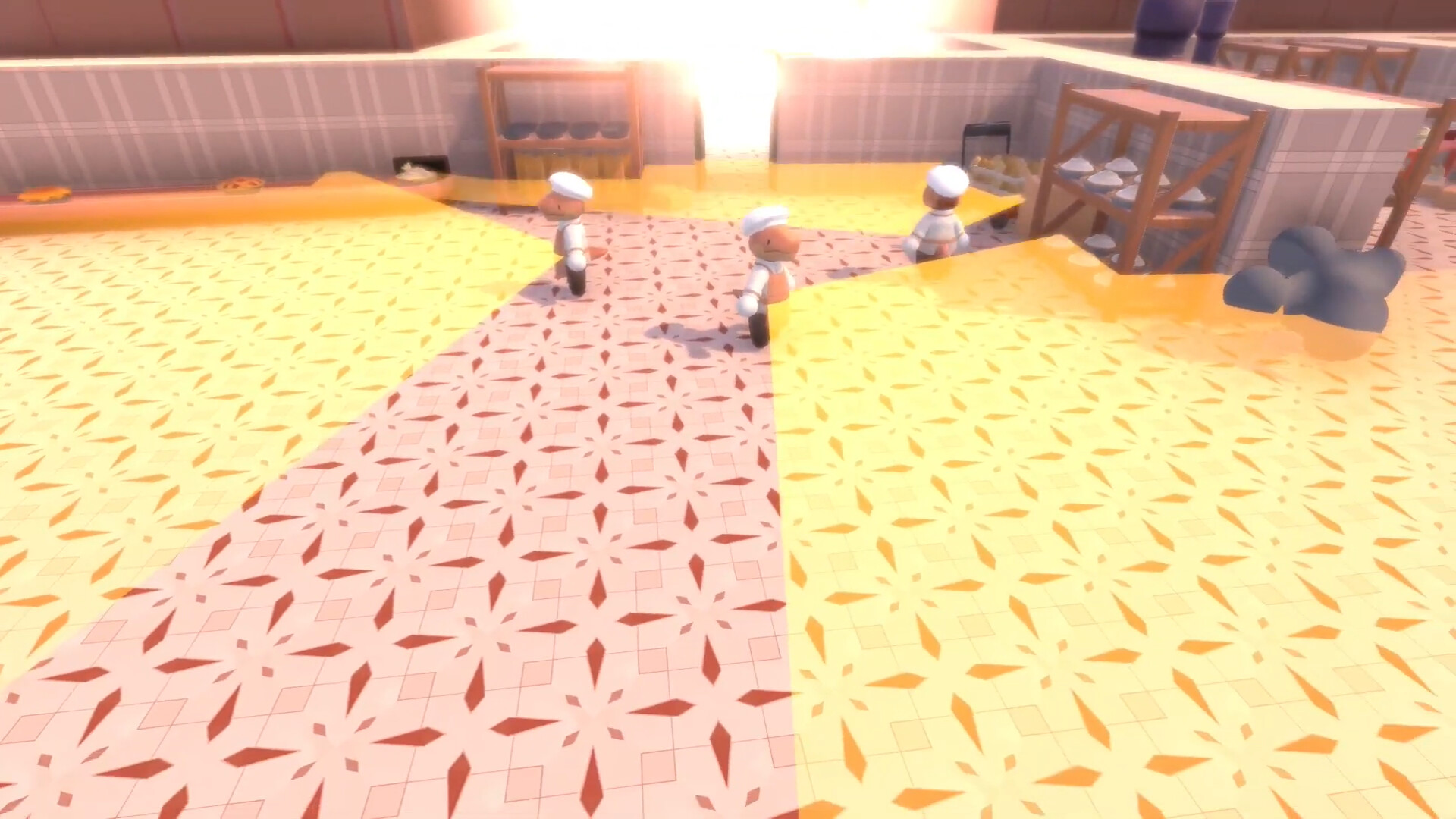
As a designer on Smoke Break, I designed, prototyped, and implemented core gameplay systems in collaboration with other designers, engineers, and artists in a simulated large-studio environment. My particular areas of focus were the enemy AI, stealth logic, health/points system, and interactable puzzle objects. In addition, I helped design puzzles, develop the backend audio framework, and implement cutscenes.
Design
Prototyping - NPC Behavior
Knowing that consistent, engaging enemy AI is key to a stealth game, I began planning and prototyping NPC behavior from my very first week as a designer on Smoke Break. Many of the other game systems would be designed around this behaviour, so I started by sketching out two ideas for the core player detection system.

This quick exercise helped me determine which method of detection would work best - in this case, I chose option #2, since it seemed more consistent and fit better with our goal of limiting performance-intensive calls in a pretty VFX-heavy game. With this in mind, I set about putting together a quick prototype, programming this enemy logic and exposing variables like the field-of-view and view distance for future tweaks. To keep the chase engaging, I allowed enemies to guess where the player might end up after losing sight of them, by extrapolating from their last known movement direction.
The enemy's basic behavior is as follows:
- If we can directly see the player, we navigate straight to them ("Chasing")
- If we can't see them, we go to the last spot we saw them ("Investigating")
- If we reach that spot and still can't see them, we go in the direction they were going when we lost sight of them ("Extrapolating"). this direction is represented by a purple line
- Finally, if we go in that direction for a predetermined length and still can't see them, we return to default behavior.This can be a random wander, returning to a set guard point, or following a predetermined patrol path
Once I had planned out the enemy logic I set to work prototyping it, exposing variables like view distance and movement speed so myself and the rest of the design team could experiment with different values. In this video, a single enemy chases me until I move behind a corner and out of sight. The enemy extrapolates from my last known position and movement direction to guess where I was heading, and explores that area. After doing so and not finding me, it returns to a random wander state until I leave my hiding spot and enter its view area again.
I expanded on this prototype by adding multiple enemies and providing some communication and coordination between them. In this video, the enemies change their behavior based on how close they are to the player. Far-away enemies try to cut me off in the distance; nearby enemies try to intercept me; extremely close enemies run straight towards me.
While this level of coordination between the enemies made for an engaging chase, building and testing this prototype helped us find that it was too unpredictable, undercutting our goal of a light-hearted, sandbox stealth experience. So, the enemy behavior in the final game is much closer to the first prototype than the second.
Code Sample - Audio Manager
I built this AudioManager framework to interface easily with Unity's audio system and make use of features like 3D audio or looping behavior without every script needing to store dozens of additional variables. Each script in the game can reference the AudioManager and play a sound effect either by passing a reference to a SoundProfile scriptable object that stores variables like volume, rolloff distance, and looping behavior, or by passing in these values individually.
bool loop = false, float volume = 1f, bool destroySourceAfterPlay = true, //optional settings
int maxNumOfLoops = -1, float delay = 0f, GameObject sourceParent = null) //optional settings
{
//check for null variables
if (!mixerGroup) { Debug.Log( "AudioManager.Play called on null mixerGroup" ); return null;}
if (!clip) { Debug.Log( "AudioManager.Play called on empty audio clip." ); return null;}
if (!sourceParent) { Debug.Log( "source parent is null for clip " + clip); sourceParent = this.gameObject;}
//create the audio source and set values
AudioSource source = sourceParent.AddComponent<AudioSource> ();
source.clip = clip;
source.outputAudioMixerGroup = mixerGroup;
source.volume = volume;
source.loop = loop;
//if this soundProfile includes a delay, wait that amount of time
if (delay > 0)
{
//otherwise, play immediately
else
{
return source;
This framework allowed members of the audio team who weren't code-savvy to set up audio parameters right in Unity's inspector.